

 DE
 ES
 FR
 IT
 NL
 PL
 PT
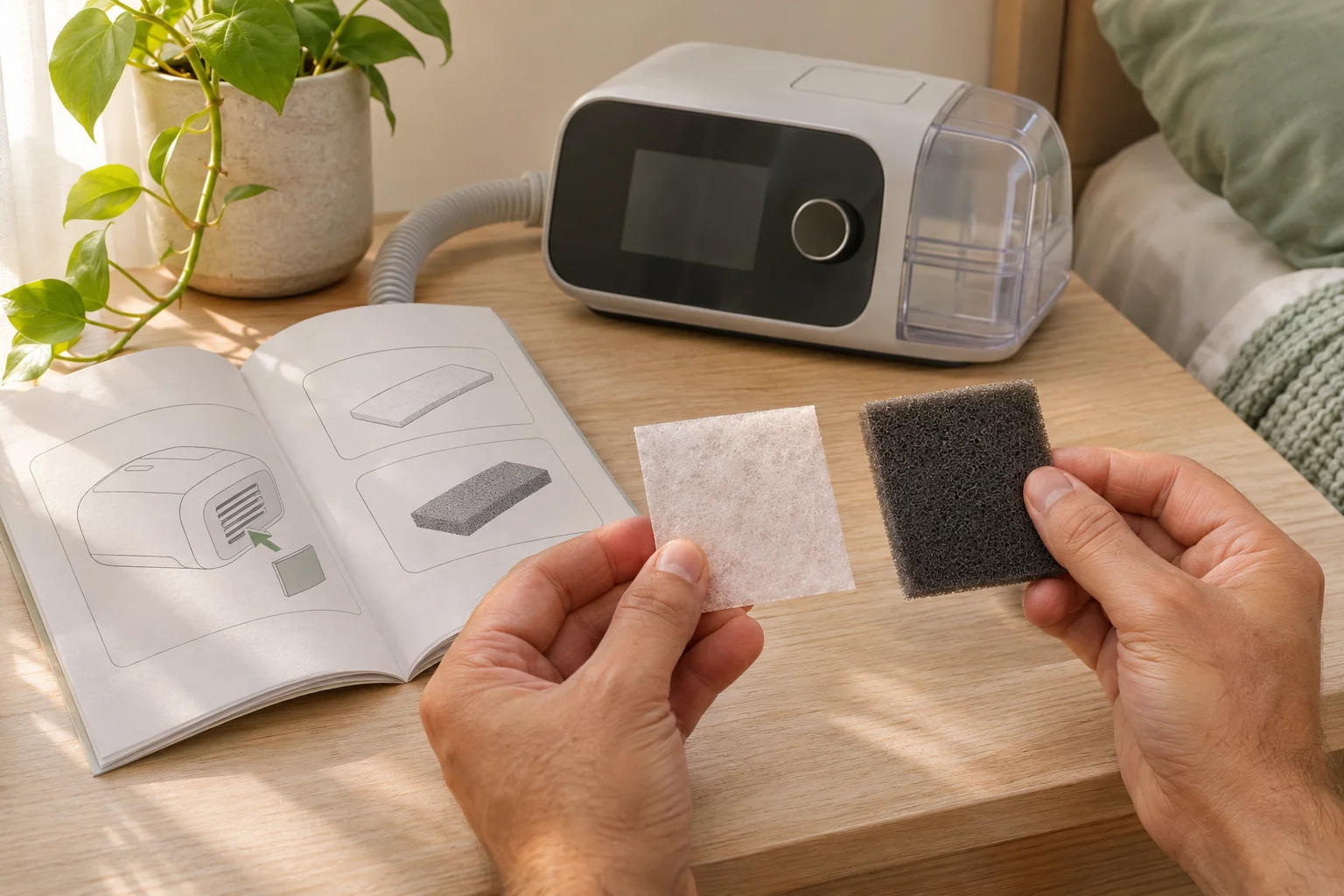
CPAP filters are not universal. The correct filter type, whether it can be washed, and when it should be replaced all depend on the exact machine and filter instructions. Before buying a replacement, identify the brand, model and generation of your device, then match the filter shape or part number in its user guide.
This guide explains the common filter categories and a safe way to check compatibility. It does not replace the instructions for your machine, and it does not recommend adding an extra filter to the breathing circuit.
What does a CPAP filter do?
A CPAP machine draws room air through an intake before pressurizing it and sending it through the tubing and mask. The machine’s intake filter helps keep dust and other particles from entering the device. The filter may be a thin disposable pad, a reusable foam-style filter, or part of a two-filter system, depending on the machine.
The term CPAP filter is also used for separate in-line bacterial filters that connect to a breathing circuit. Those are a different product category with different compatibility and clinical considerations. Do not treat an in-line filter as a generic upgrade for an intake filter.
The main types of CPAP filters
| Filter type | What it usually means | What to verify |
|---|---|---|
| Disposable intake filter | A thin pad intended to be removed and replaced rather than washed. | Exact device family, dimensions, orientation and replacement instructions. |
| Reusable intake filter | A more durable filter that some manufacturers allow users to rinse and reuse. | The manual must identify it as reusable and explain cleaning and complete drying. |
| Two-filter intake system | A reusable filter and a finer disposable filter used together in a specified order. | Whether both layers are required and which side faces the machine. |
| In-line bacterial filter | A separate filter placed somewhere in the air circuit for specific equipment or care settings. | Explicit compatibility and instructions from the device manufacturer or care provider. |
The material or color alone cannot reliably tell you how to care for a filter. For example, the Philips DreamStation user manual describes rinsing its reusable filter and letting it dry completely, while replacing its disposable ultra-fine filter when damaged or loaded with debris. By contrast, ResMed’s Air solutions support says the referenced filter can be replaced but is not intended to be cleaned. Both instructions can be correct because they apply to different products.
How to confirm CPAP filter compatibility
- Identify the complete machine name. Check the device label and user guide for the brand, model, series and generation. “ResMed” or “DreamStation” by itself may not be specific enough.
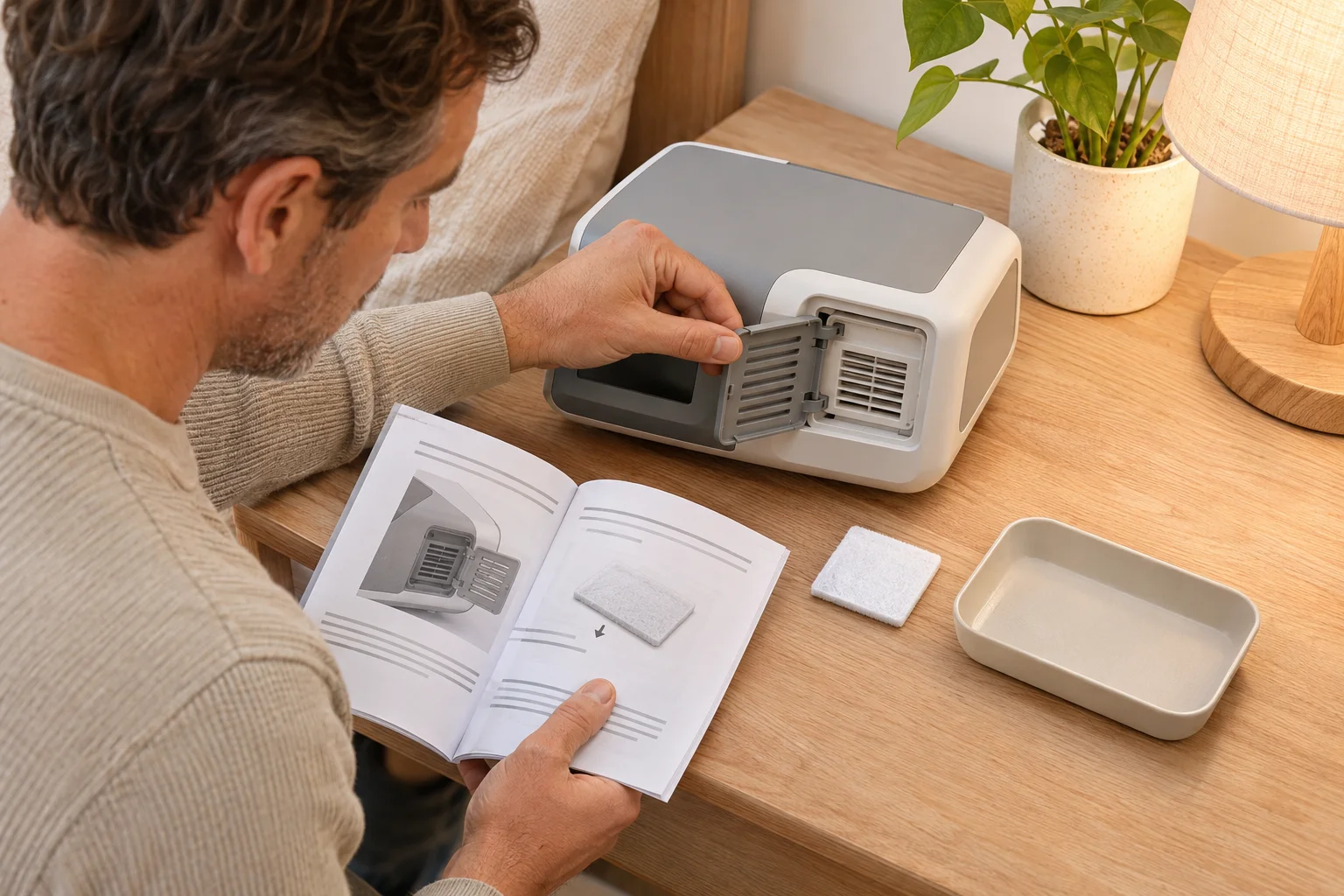
- Find the filter section in the manual. Look for the filter location, illustration, part number, number of layers and care instructions.
- Compare the replacement listing with the manual. The seller’s compatibility list should name your exact device family. A filter that looks close in a photo is not proof of fit.
- Check what is included. Confirm whether the package contains disposable filters, a reusable filter, or both. Do not assume a pack contains every layer your device uses.
- Ask before substituting. If the model, part number or instructions conflict, contact the equipment supplier or manufacturer before installing the filter.
Generation matters. ResMed’s listing for S9 and Air10 standard filters specifically says they are not compatible with Air11 devices. That is why broad labels such as “universal CPAP filter” need to be checked against the exact machine rather than accepted at face value.
Do not cut household filter material or generic foam to fit a CPAP intake. Thickness, airflow resistance, shedding and fit are part of the device-specific design. If the approved replacement is unclear, use the manual and supplier support instead of improvising.
When should you replace a CPAP filter?
Use the interval in the current guide for your machine and filter. There is no single calendar schedule that is correct for every CPAP device. Manufacturer examples show why: ResMed’s AirSense 10 support page says to check the air filter and replace it at least every six months, and sooner for holes or blockage by dirt or dust. Other filters and machines use different instructions.
Inspect the filter at the frequency stated by the manufacturer and replace or service it sooner when the manual calls for it. Reasons to stop and check the instructions include:
- visible dirt or a blocked surface;
- tears, holes, deformation or a poor fit in the compartment;
- a disposable filter that has become wet;
- a reusable filter that cannot be dried completely before use;
- an unexpected change in machine sound, airflow or performance.
Dust, smoke, construction, pets and other room conditions can make a filter collect debris faster, but appearance alone does not override the manual. Likewise, an insurer’s resupply allowance is a coverage rule, not a universal maintenance schedule.
A general replacement checklist
The exact steps differ by machine. Use this checklist to organize the task while following the device guide:
- Stop therapy, turn the machine off and disconnect power if the manual directs you to do so.
- Locate the intake filter door or compartment shown in the guide.
- Note the old filter’s orientation and, for a two-filter system, the order of the layers.
- Remove the old filter without pushing debris farther into the machine.
- Install the exact replacement in the stated orientation. Do not force a filter that bows, bunches or prevents the cover from closing normally.
- Close the compartment, reconnect the machine and check for any warning or unusual behavior described in the manual.
If the filter compartment is damaged, debris has entered an inaccessible area, or the machine behaves differently after replacement, stop and contact the equipment supplier. Do not open the machine enclosure or change prescribed pressure settings to compensate.
Can you clean a CPAP filter instead of replacing it?
Only if the instructions for that exact filter say it is reusable and explain how to clean it. A disposable filter should not be washed merely because it looks like fabric. Water can damage disposable filter media or change its fit.
For a manufacturer-approved reusable filter, follow the specified water temperature and method, and let it air dry completely before reinstalling it. The DreamStation manual warns never to install a wet filter. Do not speed drying with direct heat unless the manufacturer explicitly permits it.
Keep filter care separate from cleaning the mask, tube and water chamber. Those parts have their own materials and instructions. Our CPAP cleaning guide covers the wider equipment-care questions.
What about in-line bacterial filters?
An in-line filter is not interchangeable with the intake filter behind a CPAP machine. Adding one can change resistance in the air circuit, interact with humidification or affect how a device operates. Use one only when the exact machine instructions and your equipment or care provider support that configuration.
Recall instructions can be even more specific. In its guidance for affected recalled Philips devices, the FDA says not to add a filter to a recalled CPAP or BiPAP machine because it may change how the device works and does not address certain chemical exposure. That is recall-specific guidance, but it illustrates why an extra filter should never be added on guesswork.
What to check before buying replacement filters
- complete machine brand, model and generation;
- manufacturer part number or an exact compatibility statement;
- disposable, reusable or two-filter configuration;
- quantity in the package;
- care and replacement instructions;
- return conditions if the sealed package is incompatible.
Save the machine guide and filter package details with your equipment records. If you track other supplies, the CPAP supply replacement planner can record the interval you obtained from your own manual or provider; it does not impose a universal schedule.
For a broader explanation of the device and its parts, read how a CPAP machine works. The CPAP resource center connects equipment, comfort, maintenance and first-week guides.
Frequently asked questions
Are CPAP filters universal?
No. Shape, size, thickness, material and the number of filter layers vary by machine family and generation. Match the exact model and part information.
Can I wash a disposable CPAP filter?
Do not wash it unless the manufacturer explicitly identifies that exact filter as reusable. Replace disposable filters according to the device instructions.
Can I use my CPAP without a filter for one night?
Follow the device guide rather than operating the machine with a required part missing. If you do not have the correct replacement, ask the manufacturer or equipment supplier what to do.
Why does my replacement filter look different?
Stop before installing it. Recheck the machine generation, part number, package contents and seller compatibility list. Similar names can refer to devices with different filter designs.
Should I add an in-line filter for allergies or smoke?
Do not add one without device-specific guidance. An in-line filter changes the breathing circuit and may not be compatible with the machine, humidifier or prescribed setup.
Sources
- ResMed: AirSense 10 support and replacement guidance.
- ResMed: Air solutions support.
- ResMed Shop: Standard filters for S9 and Air10 devices.
- Philips Respironics: DreamStation CPAP User Manual.
- FDA: Recommendations for recalled Philips CPAP and BiPAP machines.
This article provides general equipment education. Follow the current instructions for your exact device and contact your equipment supplier or healthcare provider when compatibility or device performance is unclear.